


Master WordPress Plugin Development with Ariyan Islam Raj
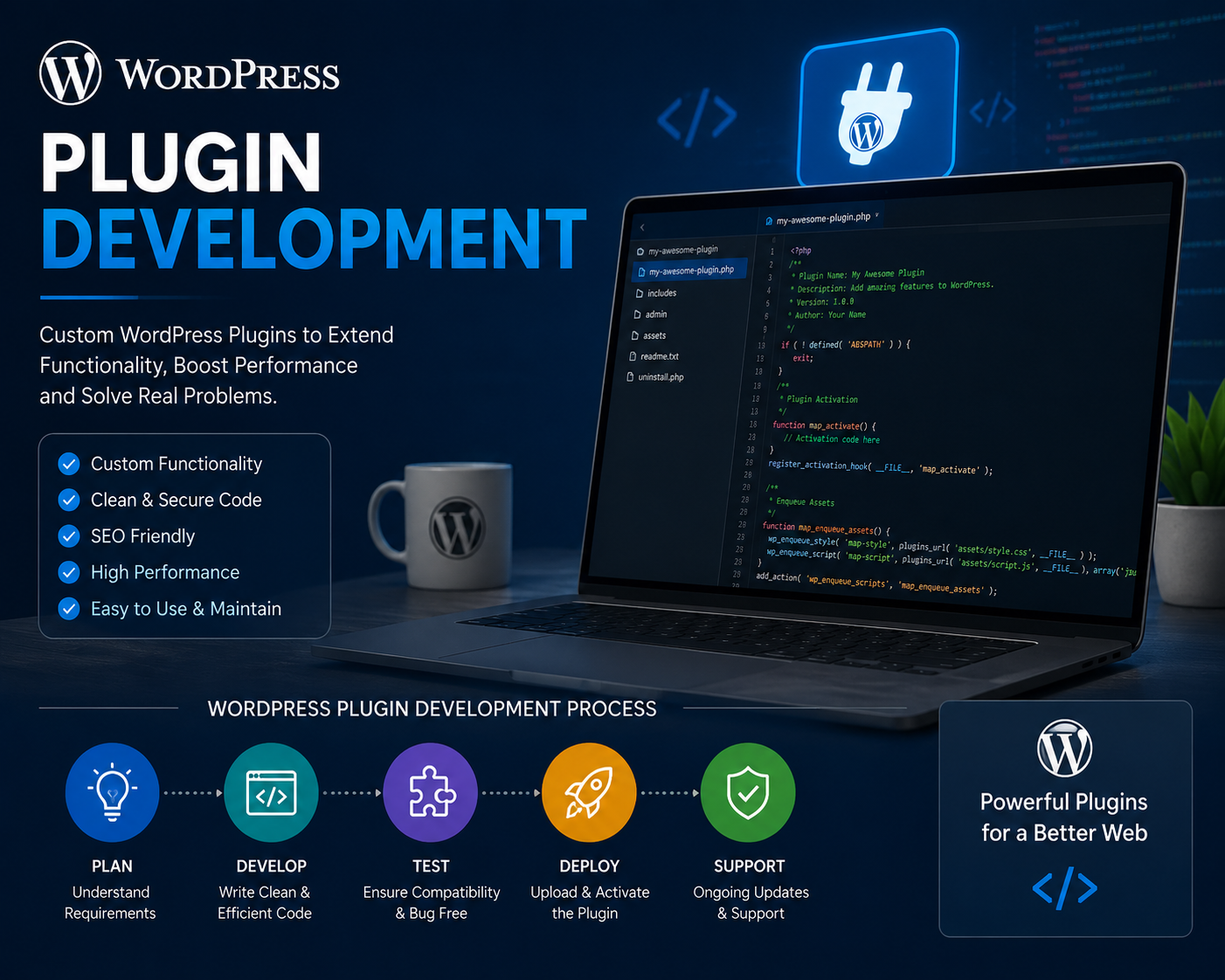
Table of Contents
Master WordPress Plugin Development with Ariyan Islam Raj
Introduction: Why WordPress Plugin Development Matters
Have you ever wondered how WordPress websites get those magical features — the contact forms, the sliders, the booking systems, the eCommerce stores? The secret sauce behind all of it is plugins. WordPress plugins are essentially the heartbeat of customization, and knowing how to build them is like holding a golden key to the entire WordPress kingdom.
In today’s digital-first world, WordPress powers over 43% of all websites on the internet. That’s not just a statistic — that’s a massive opportunity for developers. And if you’re serious about carving out a career in web development, mastering plugin development is not optional; it’s essential.
That’s exactly where Ariyan Islam Raj comes in. He’s not just another online instructor throwing theory at you. He’s a seasoned developer who teaches with clarity, purpose, and a whole lot of real-world experience. So buckle up, because we’re about to take a deep dive into what it means to truly master WordPress plugin development with his guidance.
Who Is Ariyan Islam Raj?

Background and Expertise
Ariyan Islam Raj is a highly respected WordPress developer, educator, and content creator who has made a significant impact in the developer community. With years of hands-on experience in building and deploying WordPress plugins for real clients and real businesses, he brings a level of authenticity to his teaching that’s hard to find elsewhere.
He’s not just someone who read a few books and decided to teach — he’s a developer who has been in the trenches, solved real problems, and built solutions that actually work in production environments. His expertise spans PHP development, JavaScript, WordPress core architecture, REST APIs, and much more.
His Journey Into WordPress Development
Like many great developers, Ariyan’s journey wasn’t a straight line. He started with a curiosity about how websites worked, tinkered with themes, explored plugins, and eventually fell in love with the idea of building things from scratch. His philosophy is simple: don’t just use plugins — understand them, build them, and make them better.
He began sharing his knowledge through tutorials, courses, and community engagements, quickly building a reputation as someone who explains complex concepts in an incredibly digestible way. Think of him as that brilliant friend who happens to be a genius developer but explains things like you’re sitting over coffee — no fluff, no unnecessary jargon.
What Makes WordPress Plugin Development So Powerful?
The Ecosystem of WordPress
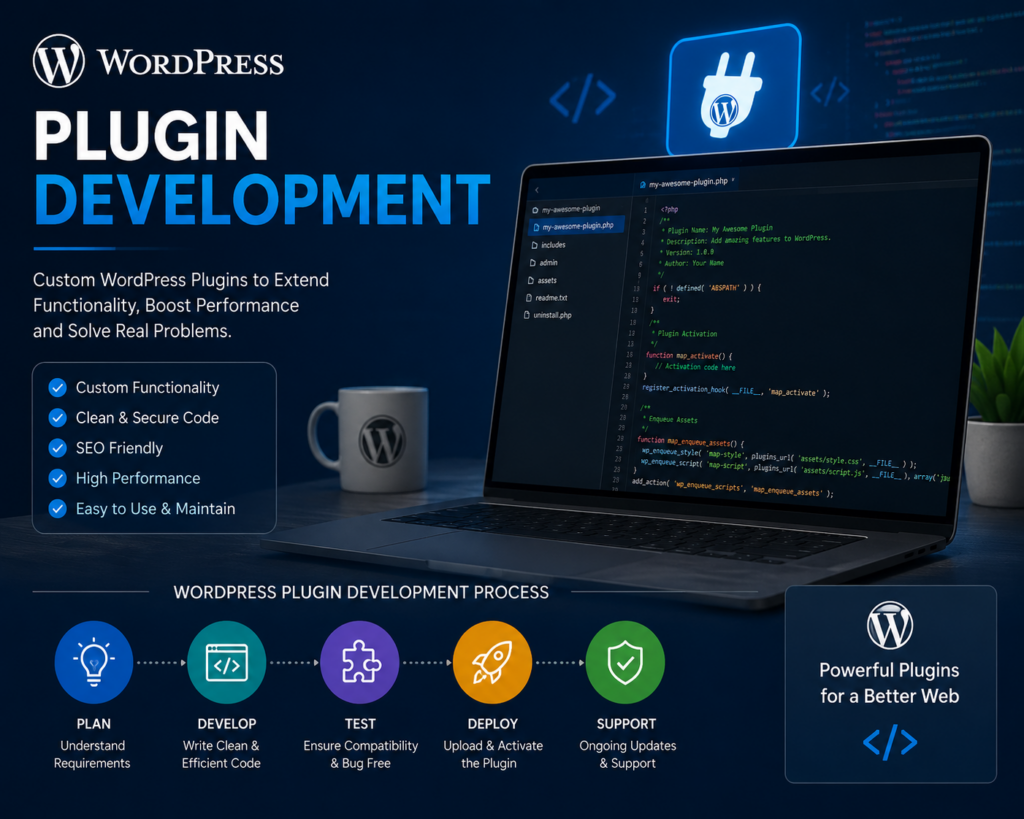
WordPress isn’t just a blogging platform anymore — it’s a full-scale application framework. With its massive ecosystem, plugin development opens doors to building anything from simple widgets to complex SaaS-level applications. The WordPress plugin repository alone hosts over 59,000 free plugins, which gives you a sense of the scale of demand and opportunity.
Plugins as Business Solutions
Here’s where it gets really exciting. Plugins aren’t just technical tools — they are business solutions. Think about WooCommerce, Yoast SEO, Elementor, or WPForms. These are plugins that have turned into multi-million dollar products. When you learn to build plugins, you’re not just writing code — you’re potentially building the next big product that millions of users will rely on daily.
Why Learn WordPress Plugin Development with Ariyan Islam Raj?
Teaching Style and Methodology
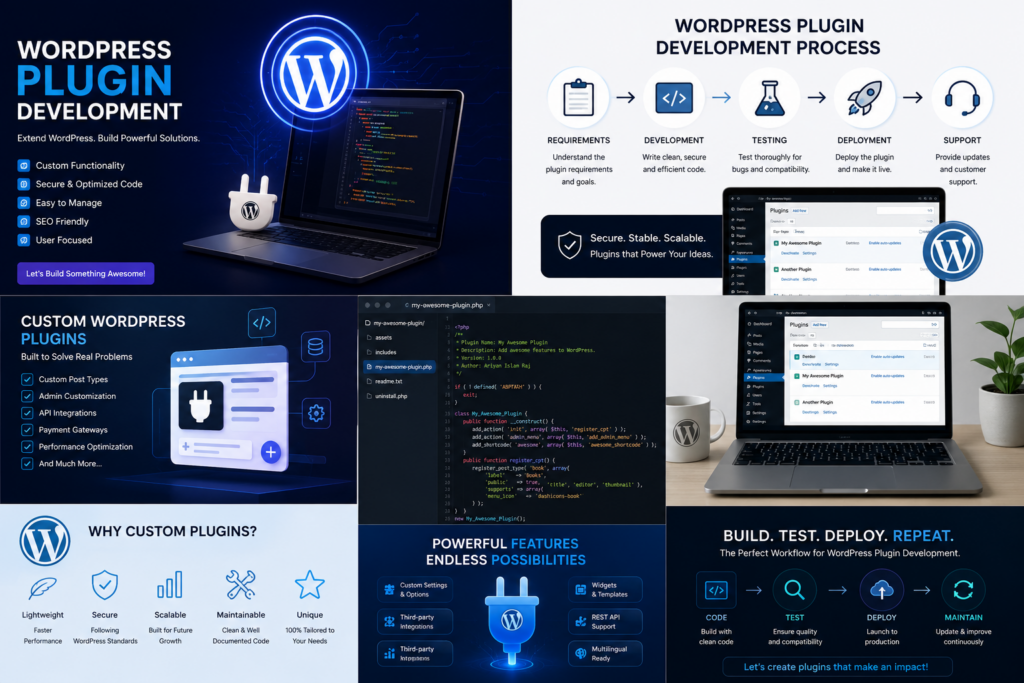
What sets Ariyan apart is his project-based teaching methodology. Instead of flooding students with abstract concepts, he builds real plugins from scratch during his sessions. You’re not watching someone code something irrelevant — you’re building along with him, making mistakes, fixing them, and truly understanding why things work the way they do.
It’s like the difference between watching someone swim and actually jumping into the pool yourself. His approach ensures you actually retain what you learn because you’ve experienced it firsthand.
Practical Approach to Learning
Ariyan firmly believes that the best way to learn development is to build, break, and rebuild. His courses are structured in a way that every lesson builds upon the previous one. By the end of a course, you don’t just have knowledge — you have a working plugin that you built yourself. That’s a portfolio piece, a learning milestone, and a massive confidence boost rolled into one.
Core Concepts Covered in Plugin Development
Understanding WordPress Hooks (Actions & Filters)
If plugins are the heart of WordPress, then hooks are the nervous system. Actions and filters are what allow your plugin to interact with WordPress core without modifying it. Ariyan spends significant time making sure students truly understand how hooks work — not just syntactically, but conceptually.
He uses clever analogies to explain hooks. Imagine WordPress is a live concert, and hooks are the spots in the show where a guest performer can jump on stage. Your plugin is that guest performer — it knows when to step in and when to step back.
Building Custom Post Types and Taxonomies
One of the most practical skills in plugin development is learning how to create custom post types (CPTs) and taxonomies. Want to build a real estate plugin? You’ll need a “Property” post type. Building a recipe plugin? A “Recipe” post type with custom taxonomies for cuisine type makes perfect sense.
Ariyan walks students through registering CPTs with the register_post_type() function, creating meta boxes, saving custom fields, and retrieving data — all in a clean, well-commented codebase that you’ll actually be proud of.
Working with the WordPress Database
Data is everything in modern web development. Ariyan teaches students how to interact with the WordPress database using $wpdb, the global database abstraction class. You’ll learn how to create custom tables, insert records, retrieve data securely, and even handle database upgrades when your plugin updates.
He emphasizes prepared statements and SQL security to ensure your plugins don’t become a backdoor for hackers — which, in an era of increasing cyber threats, is absolutely crucial.
Advanced Plugin Development Techniques
Creating Admin Panels and Settings Pages
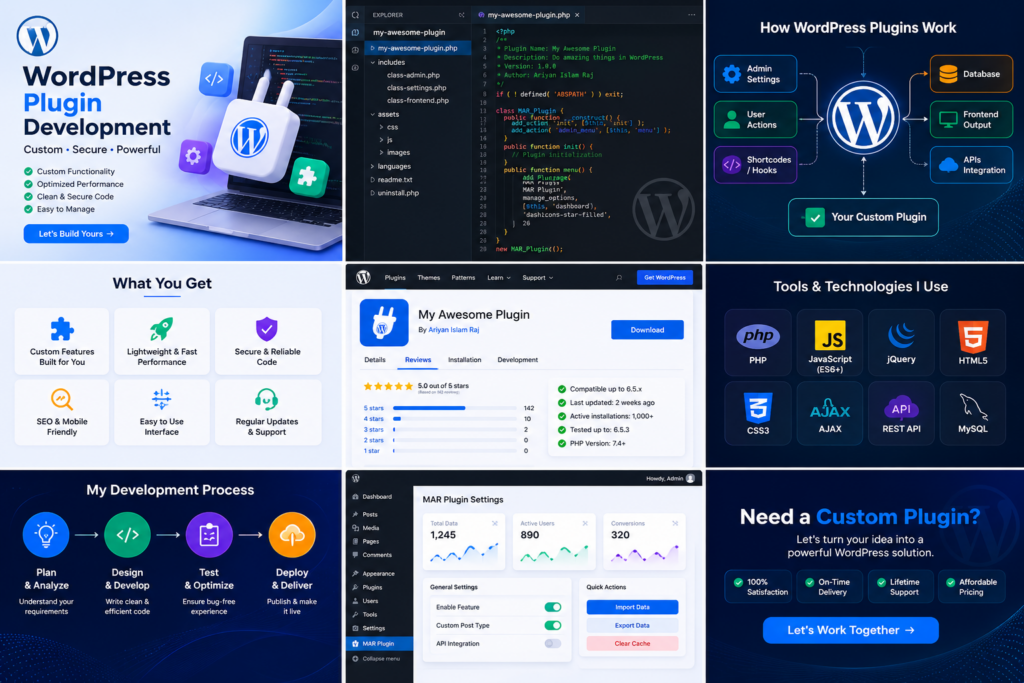
A plugin without a user interface is like a car with no dashboard — technically it might work, but it’s not very useful for the person driving it. Ariyan teaches how to build clean, intuitive admin panels using the WordPress Settings API and custom admin menus.
You’ll learn to add menu pages, subpages, create forms with nonces for security, and save user settings properly. The result? Plugins that feel professional and polished.
REST API Integration
The modern web runs on APIs, and WordPress is no exception. Ariyan dives deep into the WordPress REST API, showing students how to register custom endpoints, handle authentication, and build plugins that communicate with external services.
Whether you want to build a headless WordPress setup, connect your plugin to a third-party service, or create a mobile app backend, understanding the REST API is non-negotiable — and Ariyan makes it surprisingly approachable.
Security Best Practices in Plugin Development
Here’s a sobering truth: poorly written plugins are one of the biggest security vulnerabilities in WordPress. Ariyan places enormous emphasis on security throughout his entire curriculum. From sanitizing and validating user input to escaping output, using nonces, checking user capabilities, and preventing SQL injection — security is woven into every lesson, not treated as an afterthought.
Tools and Environment Setup for Plugin Development
Before writing a single line of code, you need the right environment. Ariyan guides students through setting up a local development environment using tools like LocalWP, XAMPP, or DevKinsta. He also introduces students to:
- Visual Studio Code for writing clean, efficient code
- Git and GitHub for version control
- WP-CLI for command-line WordPress management
- Query Monitor for debugging
Having the right tools isn’t just about convenience — it’s about developing professional habits that will serve you throughout your career. Ariyan makes sure you start on the right foot.
Monetizing Your WordPress Plugins
Here’s something that not many teachers talk about openly — how to make money from your plugins. Ariyan doesn’t shy away from this topic. He covers multiple monetization strategies including:
- Freemium model — offering a free version with premium upgrades
- One-time purchase on platforms like CodeCanyon
- Subscription-based licensing using tools like Easy Digital Downloads
- Building SaaS products on top of WordPress
He also talks about listing plugins on the WordPress.org repository to build credibility and attract users organically. Think of it as planting a tree — the effort you put in early pays dividends for years to come.
Common Mistakes Beginners Make in Plugin Development
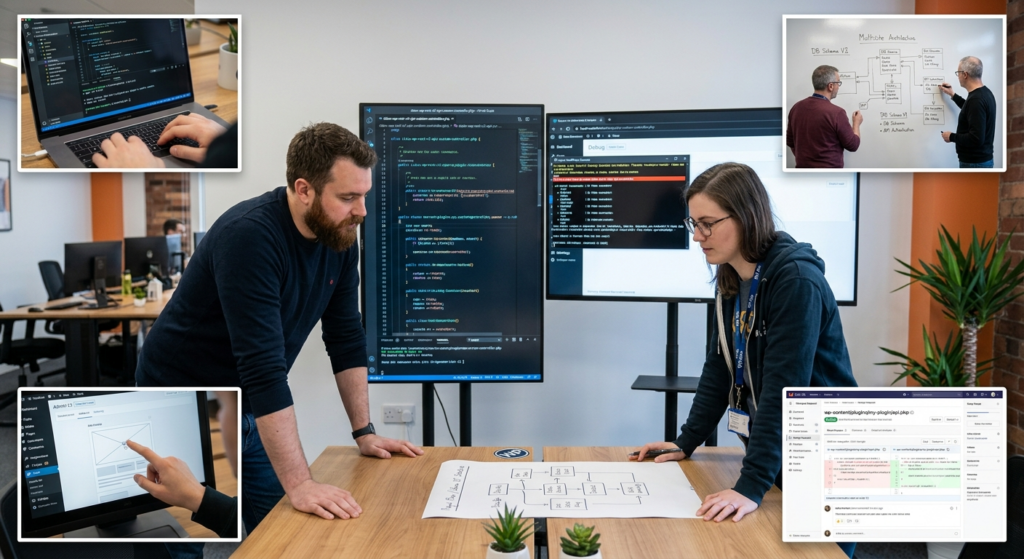
Even talented beginners fall into predictable traps. Ariyan dedicates specific lessons to helping students avoid these pitfalls:
- Not using proper prefixes — causing conflicts with other plugins
- Ignoring security — leaving doors open for malicious attacks
- Hardcoding values instead of using options or constants
- Not following WordPress coding standards
- Skipping documentation — making the codebase a nightmare to maintain
By addressing these mistakes proactively, Ariyan saves students months of frustration and helps them develop clean coding habits from day one.
Real-World Projects Taught by Ariyan Islam Raj
Theory is great, but real-world projects are where true learning happens. Some of the practical projects covered in Ariyan’s courses include:
- A custom contact form plugin with database storage
- A custom post type-based portfolio plugin
- A WooCommerce extension adding custom functionality
- An admin dashboard widget plugin
- A REST API-powered plugin connecting with external data
Each project is designed to simulate real client requirements, pushing students to think critically and solve problems creatively — exactly the kind of experience that makes you hireable or ready to launch your own product.
Community and Support Around His Courses
Learning is not a solo sport. Ariyan has cultivated an active, supportive community around his courses where students can ask questions, share progress, and help each other grow. Whether it’s through Facebook groups, Discord servers, or comment sections, the sense of belonging and mutual support accelerates learning dramatically.
He also provides regular updates to his courses, ensuring that the content stays relevant as WordPress continues to evolve. With Gutenberg, the block editor, and the Full Site Editing revolution reshaping WordPress, staying current is more important than ever.
Career Opportunities After Mastering Plugin Development
Let’s talk about what’s waiting on the other side of this learning journey. Mastering WordPress plugin development opens up a surprisingly wide array of career paths:
- Freelance developer — building custom plugins for clients worldwide
- Full-time developer at a WordPress product company
- Plugin product creator — building and selling your own plugins
- WordPress consultant — advising businesses on custom WordPress solutions
- Open source contributor — giving back to the community and building reputation
The demand for skilled WordPress plugin developers is consistently high, and those who can build secure, scalable, and well-coded plugins command impressive rates in the market.
How to Get Started Today
The beauty of learning with Ariyan Islam Raj is that you don’t need to be a senior developer to begin. If you have a basic understanding of PHP and HTML/CSS, you’re already in a good starting position. Here’s a simple roadmap:
- Set up your local development environment
- Get familiar with the WordPress file structure
- Study WordPress hooks (actions and filters)
- Start building your first simple plugin
- Gradually take on more complex projects
Ariyan’s courses are structured to meet you exactly where you are and walk you forward step by step. Think of it as climbing a staircase rather than scaling a cliff face.
Success Stories from Students
Perhaps the most compelling evidence of Ariyan’s impact is the stories from his students. From beginners who had never written a line of PHP to professionals who transitioned into full-time plugin development careers, the transformations speak volumes.
Students have gone on to publish plugins on the WordPress.org repository, land freelance clients, get hired by WordPress agencies, and even launch their own plugin businesses. These aren’t lucky outliers — they’re the natural result of quality education combined with dedicated practice.
Distributing and Maintaining Plugins
Once your plugin is ready, you need to share it. Prepare a clean zip file containing only the necessary code files. Ensure your plugin includes a readme.txt file formatted correctly for the WordPress directory. This file is crucial for SEO and helping users understand what your plugin does.
If you choose to submit to the WordPress repository, follow their guidelines closely. Keep your code clean and document your functions. After you launch, your work is not done. You must perform ongoing maintenance. Fix bugs quickly, apply security patches as needed, and add new features based on user feedback. Keeping your plugin up-to-date shows users that they can rely on your software for their websites.
Conclusion
WordPress plugin development is one of the most valuable and in-demand skill sets in the web development world today, and there’s no better guide for that journey than Ariyan Islam Raj. His practical, no-nonsense approach to teaching, combined with deep technical expertise and a genuine passion for sharing knowledge, makes learning with him an experience that truly transforms developers.
Whether you’re a complete beginner or an intermediate developer looking to level up, the skills you gain through his courses will open doors you didn’t even know existed. So why wait? The WordPress ecosystem is growing, the demand for skilled plugin developers is rising, and your next big opportunity might just be one plugin away.
FAQs
1. Do I need prior coding experience to learn WordPress plugin development with Ariyan Islam Raj?
A basic understanding of PHP and HTML/CSS is helpful, but Ariyan’s courses are designed to guide learners from foundational concepts upward. Complete beginners can start with prerequisite courses to build a foundation before diving into plugin development.
2. What tools do I need to get started with WordPress plugin development?
You’ll need a local development environment (like LocalWP or XAMPP), a code editor (Visual Studio Code is highly recommended), and a working WordPress installation. Ariyan covers the full setup process in his courses, so you’re never left figuring things out alone.
3. Can I make money by building WordPress plugins?
Absolutely! There are several monetization models available, including freemium plugins, one-time sales on marketplaces like CodeCanyon, subscription-based licensing, and even building full SaaS products on top of WordPress. Ariyan covers these strategies in detail.
4. How long does it take to master WordPress plugin development?
This depends on your dedication and prior experience. With consistent effort, most students can grasp the fundamentals within a few weeks and start building real-world plugins within a few months. Mastery, of course, is a continuous journey.
5. Where can I find Ariyan Islam Raj’s courses and resources?
Ariyan Islam Raj shares his content through various platforms including online course platforms, YouTube, and community groups. A quick search for his name on popular learning platforms or social media will point you in the right direction to access his latest courses and tutorials.
[…] you even think about hitting that “submit” button, you need to make sure your development toolkit is fully loaded. Ariyan Islam Raj always emphasizes preparation over perfection, but some […]