


AR Wp Detector: Best WordPress Tool for Developers
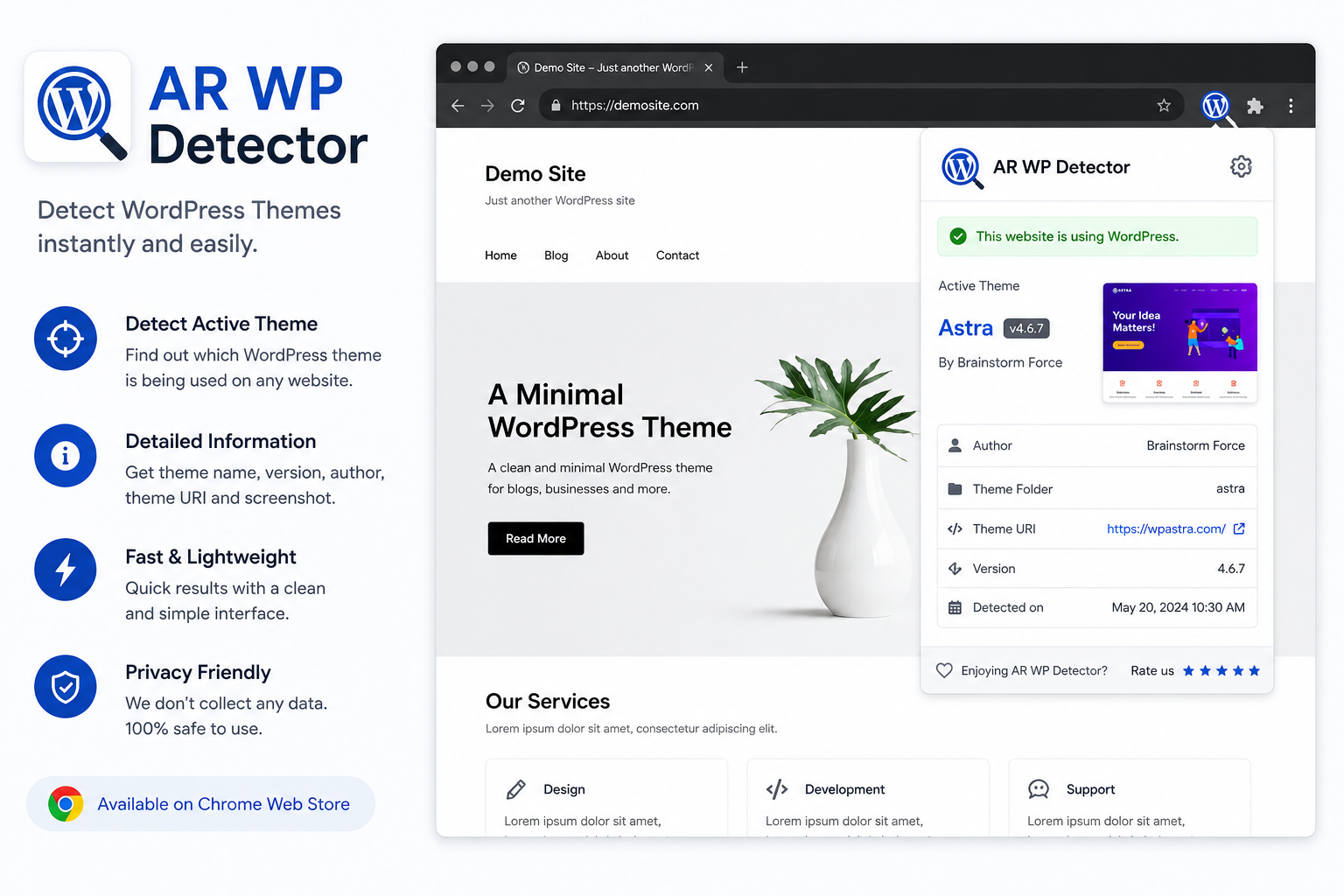
Table of Contents
Maximize Your WordPress Insights with AR Wp Detector: A Top Chrome Extension for Developers
In the dynamic world of web development, understanding the intricacies of a website’s backend and frontend components is crucial for creating optimized, user-friendly sites. For WordPress developers, gaining real-time insights into themes, plugins, and underlying code can significantly streamline troubleshooting and enhancement processes. Enter AR Wp Detector, a powerful Chrome extension designed specifically to elevate your WordPress development experience. This tool offers an intuitive way to analyze websites quickly, identify key elements, and make informed decisions—all without needing access to server files or backend dashboards. By leveraging AR Wp Detector, developers can maximize their insights, reduce debugging time, and deliver more efficient WordPress solutions.
What Is AR Wp Detector and Why It Matters for Developers
Understanding what AR Wp Detector offers is the first step toward harnessing its full potential. This Chrome extension functions as an advanced WordPress site inspector that seamlessly integrates into your browser. It allows you to detect active themes, plugins, and other essential components with just a few clicks. For developers working on multiple projects or troubleshooting complex sites, this tool provides immediate clarity on how a website is built behind the scenes. Its lightweight design ensures it doesn’t slow down your browsing experience while offering detailed technical data. Whether you’re performing security audits or preparing for customizations, AR Wp Detector empowers you to gather critical insights effortlessly.
- Quickly identifies installed themes and plugins
- Provides detailed information about site structure
- Helps detect potential security vulnerabilities
- Simplifies troubleshooting by revealing hidden elements
- Supports various WordPress versions for compatibility
- Offers real-time updates as you navigate different pages
- Saves time by eliminating manual code inspections
By understanding what components a website uses, developers can target specific areas for improvements or adjustments more efficiently. This makes AR Wp Detector an indispensable tool in any WordPress developer’s toolkit.
Key Features That Set AR Wp Detector Apart
Instant WordPress Detection
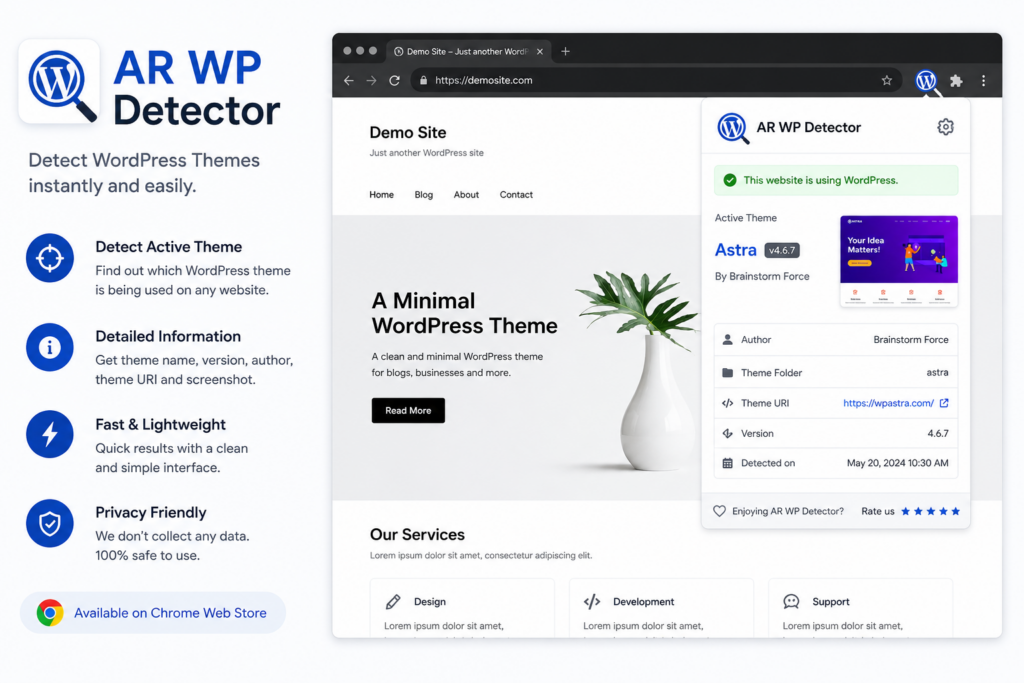
The extension automatically detects whether a site runs on WordPress. When you visit a page, the Chrome toolbar icon changes color to indicate a positive detection. No clicks needed. This feature alone saves you from second guessing.
You might think you can spot a WordPress site by its URL pattern with wp content or wp admin. But modern WordPress sites use custom login URLs and obfuscated paths. AR Wp Detector bypasses that by reading the underlying CMS structure.
Theme Identification with Name and Version
Knowing the active theme is crucial for debugging layout issues or understanding design decisions. AR Wp Detector shows you the theme name, version number, and sometimes the parent theme for child theme setups.
For example, when I audit a slow loading site, the theme is often a bloated commercial option. With this extension, I can identify the culprit in seconds and recommend alternatives to the client.
Plugin Detection Without Manual Searching
Plugins are the backbone of WordPress functionality. But too many plugins or poorly coded ones can tank performance. AR Wp Detector lists detected plugins by name. Some plugins hide themselves from public detection, but the extension catches the most common ones.
This feature is invaluable when you inherit a site from another developer and need to inventory what is running. Instead of logging into the admin dashboard and navigating plugins, you can scan the live site directly.
WordPress Version Check
Outdated WordPress versions are a security risk. The extension displays the current WordPress version running on the site. Combined with plugin version data, you can quickly assess if a site needs updates.
I use this during client onboarding to create a baseline report. If the version is far behind, I flag it as a high priority fix.
How AR Wp Detector Integrates into My Workflow
Every morning, I audit several client sites for changes and performance. With AR Wp Detector, I open each URL, click the extension icon, and review the data. It takes less than five seconds per site.
During competitor analysis, I browse industry leader websites to understand their tech stack. The extension tells me which premium themes they use and whether they rely on heavy page builders. This insight shapes my own development decisions.
When troubleshooting a client issue, I often start with the extension to rule out plugin conflicts or outdated core files. If the plugin list shows a caching plugin and a security plugin, I know where to look first.
Comparing Manual Inspection vs AR Wp Detector
Manual Inspection
Right click and select View Page Source. Search for themes or plugins. Scan through hundreds of lines of minified code. Repeat for every page. This method works but it eats up time, especially when you are analyzing multiple sites in a row.
Manual inspection also misses hidden plugins or themes that load assets asynchronously. You might think a site uses a custom build when it actually runs a widely known theme with heavy customization.
AR Wp Detector
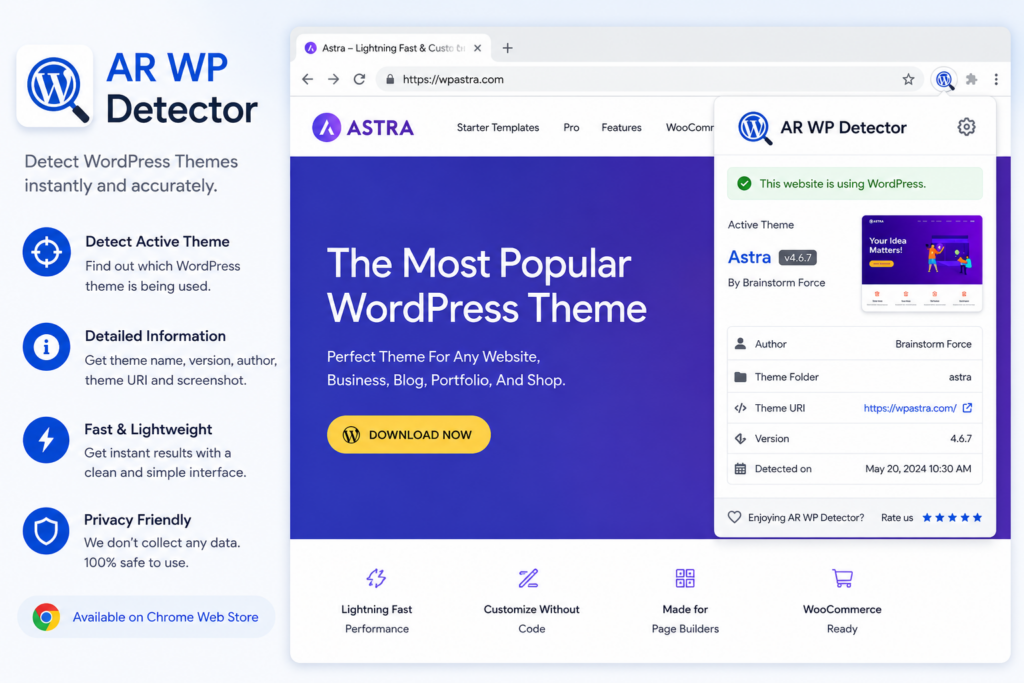
One click. Clean popup. No code scrolling. The extension retrieves the same data but packages it in an understandable format. It highlights the key elements without flooding you with irrelevant HTML.
For developers who value speed and precision, the choice is clear. Manual inspection is a fallback method, not a daily workflow.
Practical Use Cases for Developers and Agencies
Competitive Research
You are pitching a new client who admires a competitor site. Use AR Wp Detector to find out what theme and plugins power that competitor. Then present a proposal that matches or exceeds that setup.
Knowing the tech stack gives you a conversation advantage. You can say, I see they use Elementor and Yoast. We can build something even cleaner with GeneratePress and Rank Math.
Quick Security Audits
Before taking over a new project, scan the site for outdated WordPress versions or known insecure plugins. The extension gives you the version numbers. Then cross reference with vulnerability databases to assess risk.
This proactive approach builds trust with clients. They see you care about security from day one.
Learning from the Best
Find a site with exceptional performance or unique features? Scan it with the extension. You might discover a lightweight theme you have never heard of or a combination of plugins that work well together.
I have discovered several productivity boosting plugins simply by scanning sites I admired.
Limitations to Keep in Mind
No tool is perfect. AR Wp Detector primarily detects plugins and themes that expose themselves in the frontend. Some premium plugins intentionally hide their signatures. You might not see every single plugin in use.
The extension also relies on the site being publicly accessible. Local development environments or sites behind authentication may not work.
Despite these limits, the extension covers 90% of real world scenarios. For the remaining 10%, manual inspection still has its place.
How To Get Started With AR Wp Detector: Step-by-Step Guide
Getting started with AR Wp Detector is straightforward but mastering its full potential requires familiarity with some basic steps. First up: install the extension via the Chrome Web Store—search “AR Wp Detector” and click “Add to Chrome.” Once installed successfully, pin it to your browser toolbar for quick access during browsing sessions.
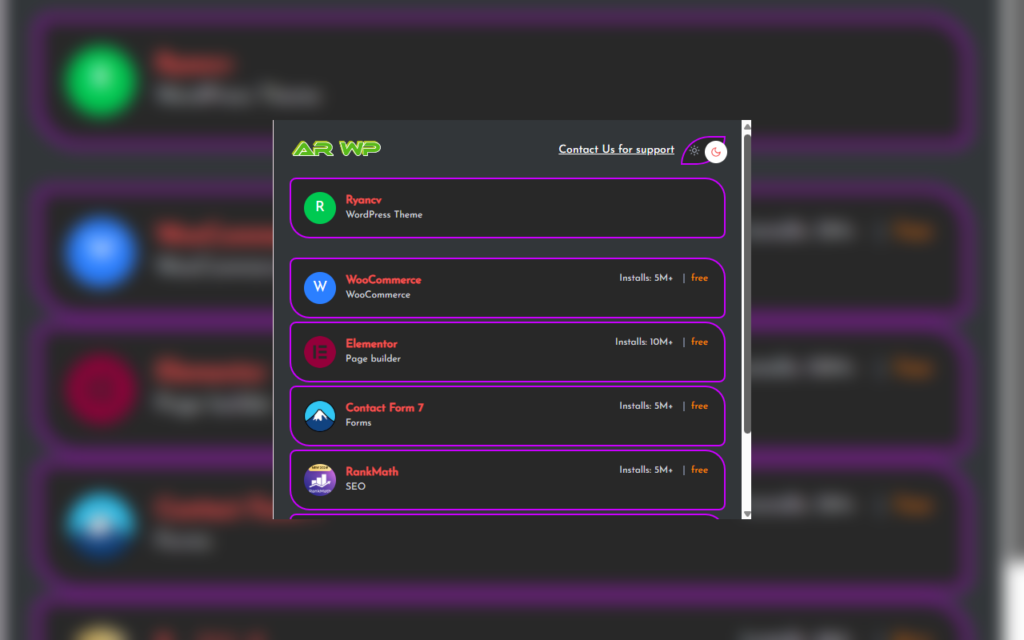
Next step involves navigating to any WordPress website you want analyzed; click on the extension icon in your toolbar—it will automatically scan the page’s source code and display detected components instantly. Review the detected theme information along with active plugins listed neatly within a pop-up window—this is your starting point for deeper analysis.
For more detailed investigations:
- Click on individual plugin entries to see version details.
- Check external resource links highlighted by the extension.
- Use filtering options if available to customize what insights are shown.
- Save snapshots of reports if needed for documentation purposes.
- Repeat across different pages within same site to ensure consistency.
- Combine findings with manual code review when necessary.
- Keep notes on recurring issues found during inspections.
By following these simple steps initially—and exploring advanced options over time—you’ll become proficient at leveraging AR Wp Detector’s capabilities fully—a valuable skill set for any WordPress developer aiming for excellence.well.
Why I Recommend AR Wp Detector for Every Developer
I have used other site detection tools. Some are cluttered with ads. Others require registration. Many try to do too much and end up doing nothing well.
AR Wp Detector stays focused on WordPress detection and does it exceptionally well. It respects your time and gives you the exact information you need.
Whether you are a freelancer, agency owner, or in house developer, this extension pays for itself in time saved within the first week. It has certainly changed how I approach every site I visit.
Practical Use Cases for AR Wp Detector in Development Projects
Knowing how to leverage AR Wp Detector effectively can transform your development process across various scenarios. For instance, when taking over an existing WordPress website built by another developer or agency, this extension helps you understand the site’s architecture without needing access credentials or backend logs. You can identify outdated plugins that may pose security threats or discover custom themes that require updates.
Another common use case involves optimizing website performance by examining which scripts load unnecessarily or redundantly—information critical for reducing load times and improving user experience. Security audits benefit greatly from quick identification of vulnerable plugins or themes still using outdated codebases. During plugin conflicts testing after updates or new installations, AR Wp Detector provides immediate feedback about changes in real time.
Furthermore, designers working on theme modifications can verify if their customizations align with existing configurations before deploying live changes. Content managers aiming to audit third-party integrations also find this tool useful for assessing embedded resources’ origins and behavior.
Practical examples include:
- Auditing legacy sites before migration or redesigns
- Detecting outdated or insecure plugins proactively
- Improving page load speed by analyzing resource loading patterns
- Verifying theme modifications during development stages
- Conducting security scans for known vulnerabilities
Employing these practical approaches ensures that AR Wp Detector remains an integral part of your developmental arsenal—driving efficiency and quality assurance.
Tips & Best Practices When Using AR Wp Detector
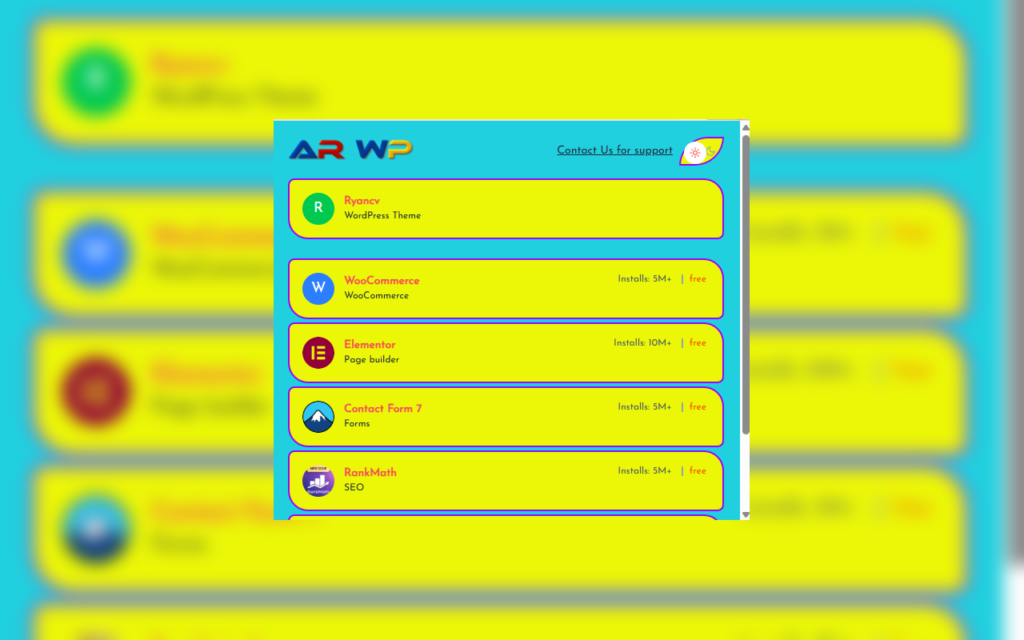
To get the most out of AR Wp Detector as a developer, applying certain best practices can enhance its effectiveness further. First, always keep the extension updated; new versions often include important bug fixes and feature improvements that optimize performance. Second, combine its insights with other debugging tools like browser developer consoles for comprehensive analysis—this layered approach uncovers more detailed information about site behavior.
Thirdly, create standardized checklists when inspecting websites so you don’t miss critical points such as plugin versions or script errors—consistency leads to better diagnostics over time. Fourthly, remember that some features may vary depending on server configurations; supplement data from AR Wp Detector with manual inspections when necessary for thoroughness.
Additionally, document recurring issues identified through the extension to streamline future troubleshooting efforts within your team. Finally, respect privacy policies and avoid extracting sensitive data during inspections—use the tool responsibly within legal boundaries.
Best practices summarized:
- Keep extensions updated regularly
- Integrate findings with other developer tools
- Maintain standardized inspection procedures
- Cross-check data against server-side logs if possible
- Document common issues for team reference
- Use responsibly respecting privacy considerations
Implementing these tips ensures consistent results while maximizing productivity benefits offered by this powerful Chrome extension.
Elevate Your Development Game With AR Wp Detector
Mastering how we analyze WordPress sites determines how efficiently we troubleshoot problems and implement enhancements today’s competitive web environment demands swift insight gathering paired with accurate analysis tools like AR Wp Detector. This Chrome extension transforms complex technical data into digestible information right inside your browser window—saving countless hours otherwise spent sifting through code manually or requesting backend access unnecessarily.
By integrating this tool into regular workflows—from initial audits through ongoing maintenance—you ensure each project benefits from thorough evaluations rooted in reliable data collection methods tailored specifically towards WordPress architecture nuances too often overlooked during casual inspections. As developers continue pushing boundaries creatively but also responsibly addressing security concerns proactively—the value proposition of such targeted tools becomes undeniable in delivering robust websites capable of thriving amid evolving digital landscapes.
Investing time now in mastering tools like AR Wp Detector pays dividends later through faster turnarounds, higher quality output standards—and ultimately happier clients who appreciate well-informed solutions crafted efficiently using cutting-edge technology at their fingertips.
Final Thoughts
WordPress powers over 40% of all websites on the internet. As the ecosystem grows, tools that help developers work smarter become essential. AR Wp Detector is one of those tools.
Add it to your browser, test it on your own site first, then start exploring the competition. The insights you gain will make you a faster, more informed developer.
And if you ever need a partner to build, optimize, or troubleshoot your WordPress site, I am just a click away. My development workflow relies on precision tools like AR Wp Detector, and I bring that same precision to every client project.
Faq
1. What does AR Wp Detector actually do?
It scans websites to see if they use WordPress. It also finds the theme and plugins the site uses. This helps developers study how other sites are built.
2. Is this tool free for developers?
Yes, it offers a free version for basic scans. Paid plans are available for those who need more data. These plans let you scan more sites per day.
3. How accurate are the plugin detection results?

The tool is very precise. It looks for specific code patterns and file paths. Most common and custom plugins are found quickly.
4. Can I use this tool for security audits?
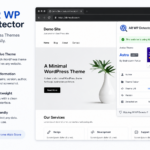
Yes, it helps find outdated plugins. You can spot old versions that might have bugs. This makes it easier to fix security holes.
5. Does it slow down the target website?
No, the tool is lightweight. It only reads public data from the site. It does not put a load on the server.