


Best Cardable Site 2026
February 18, 2026
Uncategorized

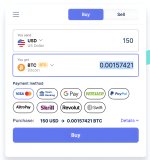
4. Start Your Purchase:
- Click “Buy Crypto” on the homepage
- Select Bitcoin (BTC) as your cryptocurrency of choice
- Critical: Keep your purchase amount between $140-$150
- Staying under $150 per transaction helps avoid suspicion, and well below the $500 threshold that triggers automatic KYC requests
5. Enter Critical Information:
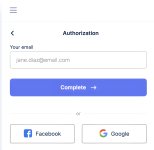
- Input a high-trust email address (.gov, .edu, etc.) — these domain types automatically receive higher trust scores in their system
- Enter your Bitcoin wallet address, double-checking that you’ve selected the correct network
6. Add Your Payment Method:
- Enter all card details from your non-VBV
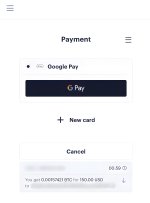
- Fill in the billing information to match the cardholder’s details precisely
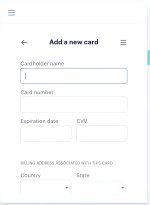
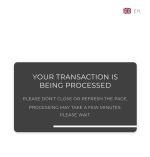
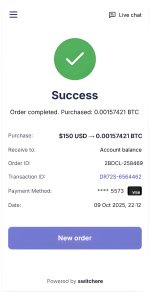
- Submit your payment
- If everything goes smoothly, the system will skip 3DS verification and finalize your purchase

7. Watch for Warning Signs:
- If somehow they suspect an issue or you exceed the $150 threshold, they might request verification documents
- At this point, it’s usually best to abandon the transaction rather than provide KYC
- Keep in mind that your risk score increases with each failed attempt
8. Maintain Low Risk Profile:
- Don’t make consecutive purchases too quickly
- Vary your purchase amounts slightly (don’t always pick exactly $150)
- Keep consistent with the billing details you use
- Avoid making multiple transactions from the same IP address in rapid succession
9. Scale It Up:
- Make another purchase with a completely different session
- Use a new antidetect profile
- Switch to a different card inventory
- Use a different email address (maintaining the high-trust domain pattern)
- Keep each transaction between $140-$150
- Important: Never exceed $500 in total purchases connected to any identifiable pattern to avoid triggering KYC